Elemento

Elemento Rebar — reinforcement detailing tools for Autodesk Revit 2027

Reinforcement Detailing Tools for Autodesk Revit 2027

What Elemento does

Stop repeating yourself.

Elemento automates the repetitive work of modelling and detailing rebar in Revit. You set the rules once, and Elemento does the rest.

Built on Revit. Taken further.

Elemento runs inside Autodesk Revit and works with Revit’s own rebar. It takes Revit’s rebar tools to the next level by automating the repetitive work of modelling and detailing.

Modelling

Auto-generate rebar
Reinforce every member in the view from your presets.
Edit and Match Member
Reopen any member with the settings it was made with, or copy its rebar to others of the same kind.
Laps and splices done for you
Long bars are split to stock length and lapped. Use Split and Splice to edit sets afterwards.
Presets you can share
Save your settings once and use them on every project.
Rebar Manager
Every reinforced member in one list, checked that its bars are all still there.

Detailing

Auto Range
Bar range notes placed in your views for you.
Auto Tagging
Section tags and dimensions placed for you, clear of each other.
Automatic drawing generation
Pick a beam, column, slab or wall. One click draws the elevation and sections, picks the scales, and places them on a sheet.
Shape code legends
A legend of every shape used, drawn from your schedules.
Fully dynamic bending schedules
Real Revit schedules that follow the model. Change a bar and the schedule changes with it.

The workflow

One tab. From model to workshop.

Reinforce one member, or every member in the view.

See the create tools
1 / 4The bare building: 75 members

Auto Rebar · 1 of 9 · sped up to 5.2×

Works on any project. Import Standards brings Elemento into your own template.

Proven before it ships

Tested on millions of simulations.

Every Elemento command has its own test program. Together they run millions of simulated beams, columns, walls, slabs and stairs, and check every bar, before a new version reaches you.

Try it free

Up and running in three steps.

60 days. Every tool. No credit card.

Download Free Trial
  1. Download

    Get the installer for Revit 2027.

  2. Install

    Run the setup. Elemento shows up as its own tab in Revit.

  3. Start your trial

    On the Elemento tab, open Help, then Activate Licence, and ask for a trial.
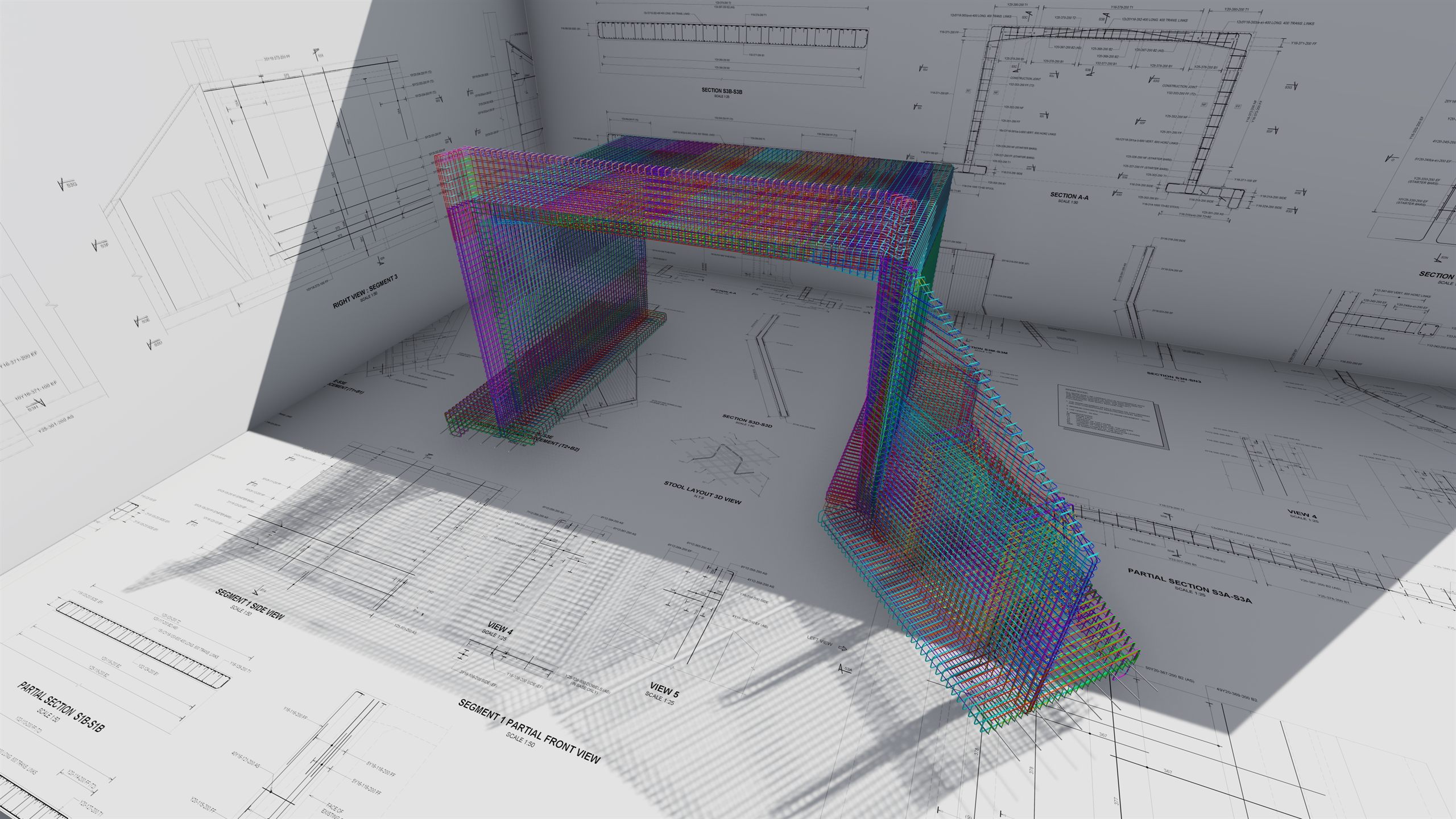
Reinforcement, taken seriously.

Elemento is a complete reinforcement toolset for Revit, built as one system from the ground up. Model, annotate, schedule and create sheets for your reinforcement, all from one tab, in one connected workflow.
